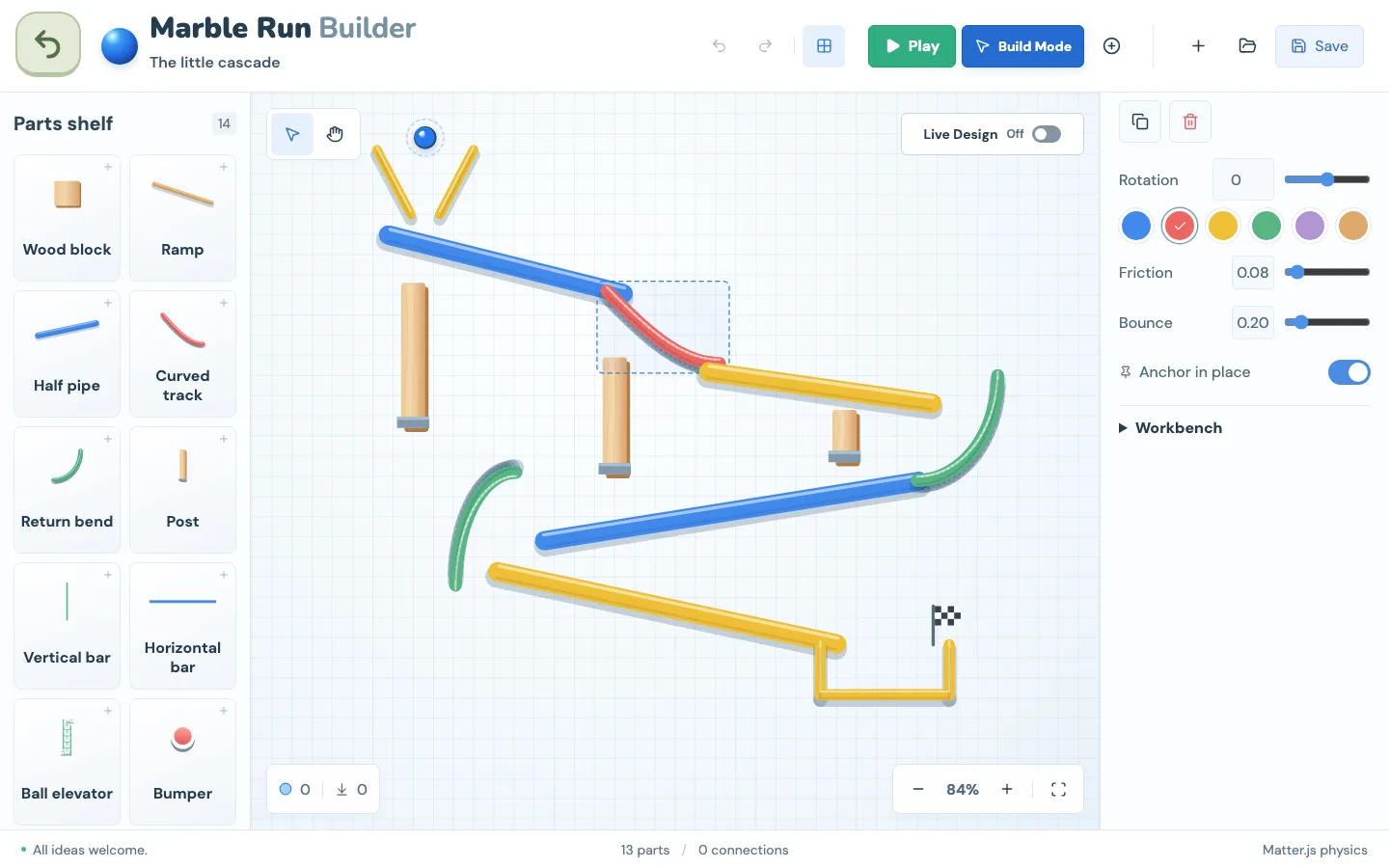
Marble Run Builder
Build a marble track on a three-dimensional workbench. Combine ramps, curves, supports and moving parts, then test whether the marble travels where you expected. The starter build gives you a track to inspect and change.
coding games for kids
Give Bunny a sequence of instructions using visual blocks. Move, turn and collect carrots while working around obstacles. Watching the program run helps you see where your instructions need to change.
Free to play · No ads · No account required
Play Game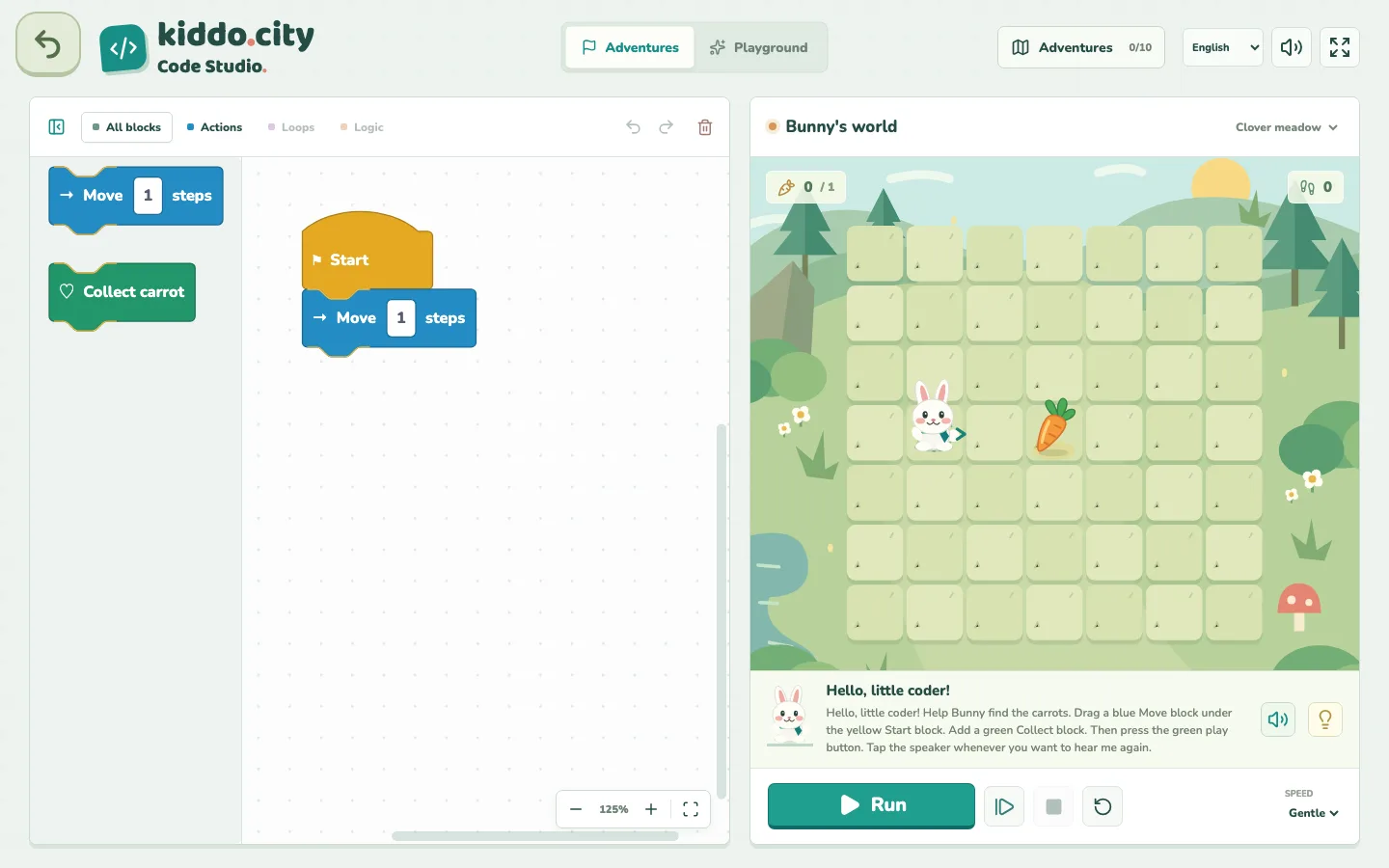
Adventure challenges and a separate Playground are available. Programs and challenge progress are saved locally; hints can be read or heard in the selected language.
Sequencing actions, testing a program and reasoning about loops and conditions.
Catalogue age guidance: 6+
Age labels are starting points from the game catalogue, not developmental assessments. A grown-up can help choose a comfortable activity.
Build a marble track on a three-dimensional workbench. Combine ramps, curves, supports and moving parts, then test whether the marble travels where you expected. The starter build gives you a track to inspect and change.
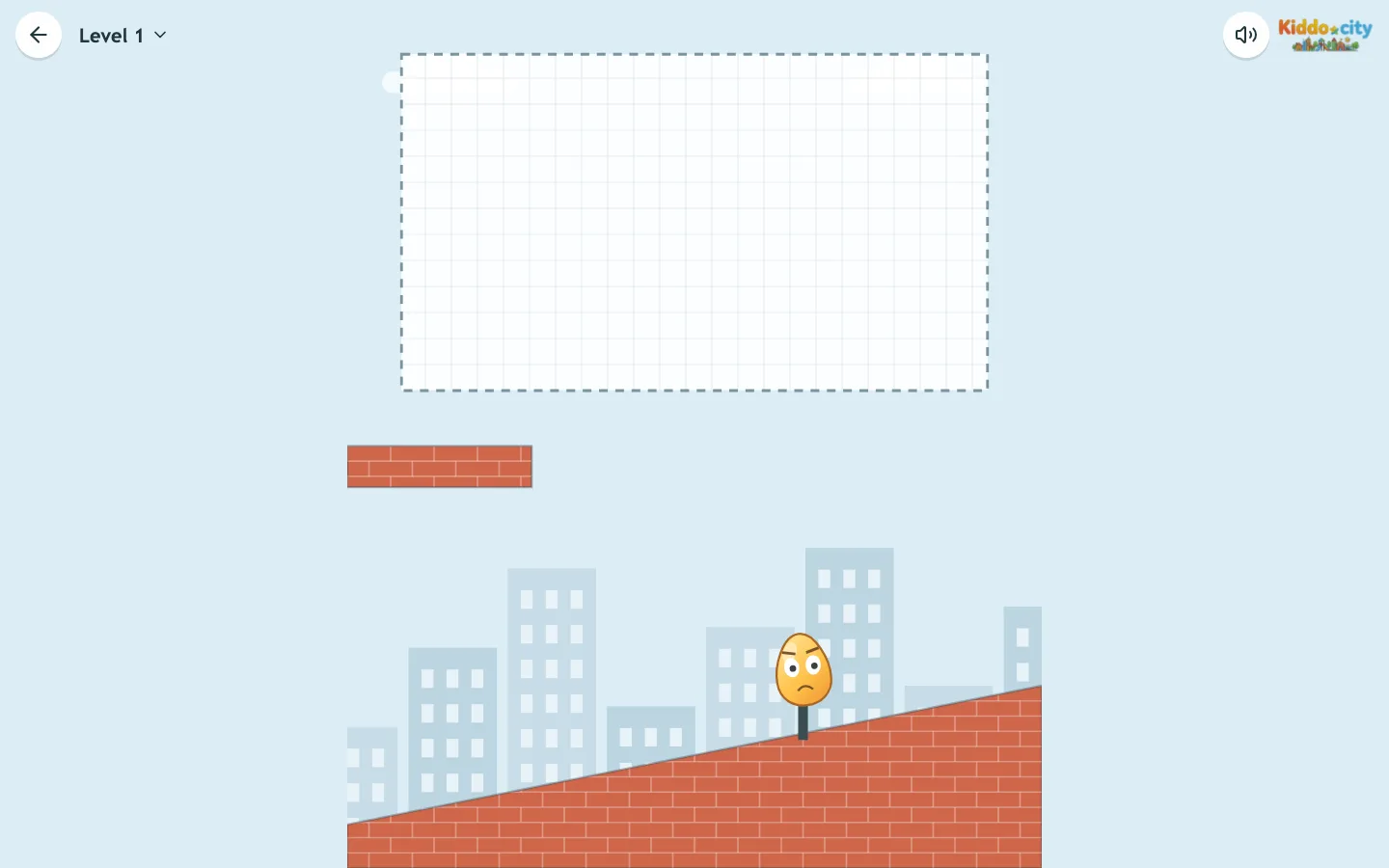
A single drawing becomes a falling object. Plan a shape that can reach every egg, taking shelves, pegs and slopes into account. Touching an egg with your falling shape is enough to crack it.
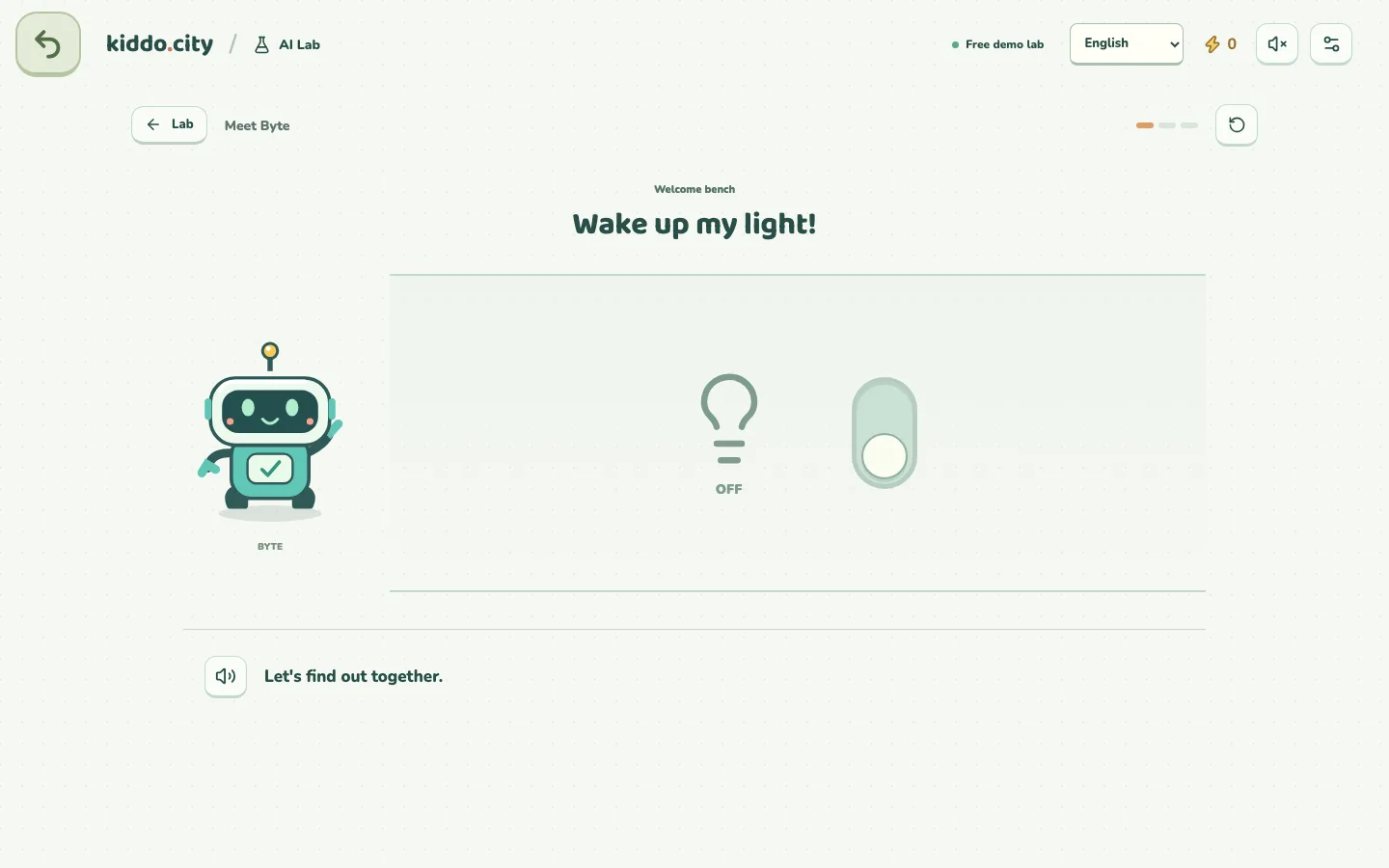
Help Byte explore how a robot learns from examples and sometimes makes mistakes. Small guided experiments invite you to sort, predict and compare results. This is a prepared demo lab; it is not an open chat with an AI service.